For apple peel 520
original price: 30,00 USD


Ziyi Xiong
Contact person
Basic Information
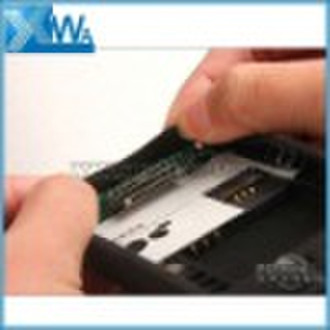
Description For Apple Peel 520 Review So, let’s start off with the highlights. This Peel 520 slap on a regular SIM card and make calls with your i-Pod touch. It includes a removable 800mAh battery which gives you up to 3 hours of talk time and 120 hours of standby juice. The funny thing is that when the battery is installed successfully, the adapter itself will vibrate, so we’re guessing it supports vibration. The adapter has six main parts, a speaker on the top to hear the call, a removable battery, a SIM card slot, a “vibration motor”, a baseband chip, and a dock connector. It’s really thin… The 800mAh battery. The vibration motor. The power button and the speaker (for hearing calls). The Peel 520 works with the i-Phone voice calling and text messaging app, so the i-Pod touch needs to be jailbroken to allow those i-Phone default apps to be installed on the device. The adapter will not automatically add these apps to the i-Pod touch and users need to do it by themselves. Users need the “Yosion” and “YsSMS” apps on the homescreen to start using the adapter. The UI of the Yosion calling app is pretty simple. On the left pic, it shows the inbox of the SMS app on i-Phone, while on the right it’s the inbox of the “YsSMS” app on the i-Pod touch. The i-Phone can delete messages one by one, while the i-Pod touch could only let you to clear all messages with no further options. The i-Pod touch with the adapter allows you to import all contacts from the SIM card to the device memory. Adding contacts works just like the i-Phone. The SMS app does not support full screen on the i-Pod touch. According to PConline’s review, the adapter works very well. Making calls is perfectly alright, just like any mobile phones out there. It supports 3G SIM cards but it still only allows you to make/receive calls and send messages. The reviewed unit does not support Bluetooth phone call and hands-free calling, but the retail version will fully support these functions. There’s one more thing to take note of, the 3.5-mm stereo headphone jack on the bottom right of the i-Pod touch has been “modified” to act as an antenna with the adapter’s dock connector, and users will access the 3.5-mm headphone jack on the bottom left when the adapter is attached.
Delivery terms and packaging
Port: Guangzhou
Payment term
Telegraphic transfer
MoneyGram
Paypal
Western Union

-
Payment Methods
We accept:




